01
Drop your PDF
Drag a file in, pick it from your device, or paste it. Add as many as you like.
PDF File Compress shrinks PDFs to exact limits like 100 KB or 1 MB with text that stays sharp. No uploads, no sign up, no waiting in a queue.
Drop your PDF here
or paste it with Ctrl + VPick a file from your phone
0 bytes
uploaded to any server
0%
max size cut on photo heavy PDFs
< 0 s
to shrink an 18 MB file on a laptop
0%
free, no sign up, no watermark
How it works
You compress PDF documents online, yet everything happens inside this browser tab. That keeps it fast and keeps your documents with you.
01
Drag a file in, pick it from your device, or paste it. Add as many as you like.
02
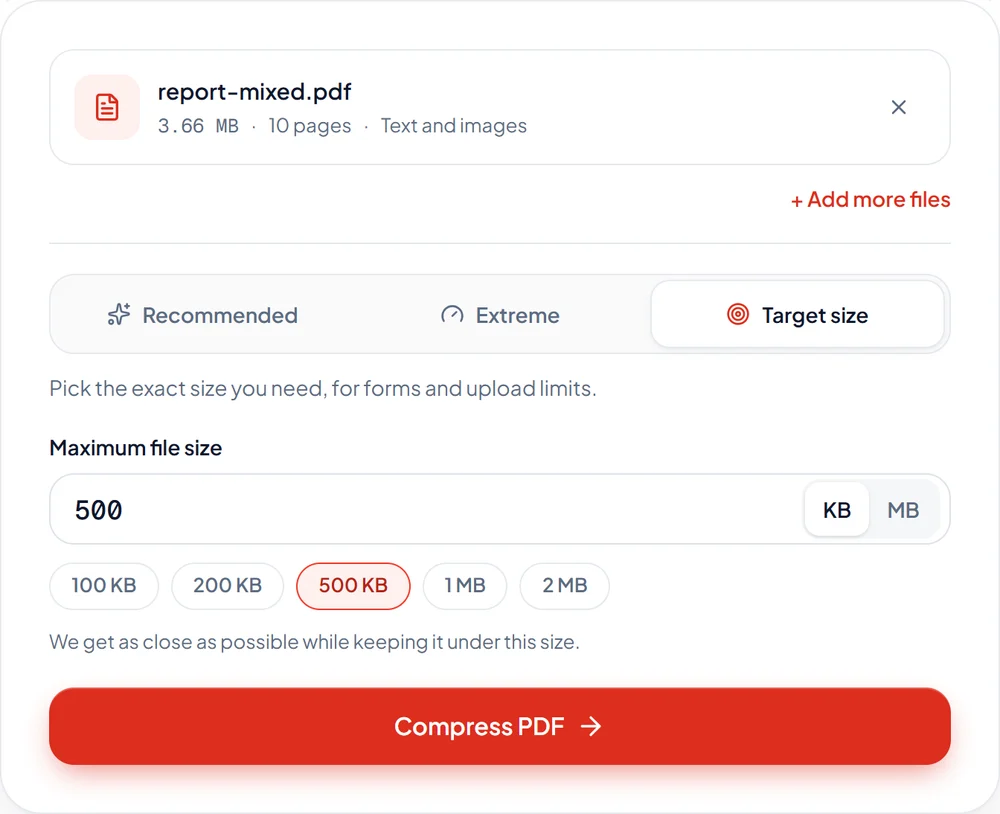
Go with Recommended, squeeze harder with Extreme, or type the exact size your form asks for.
03
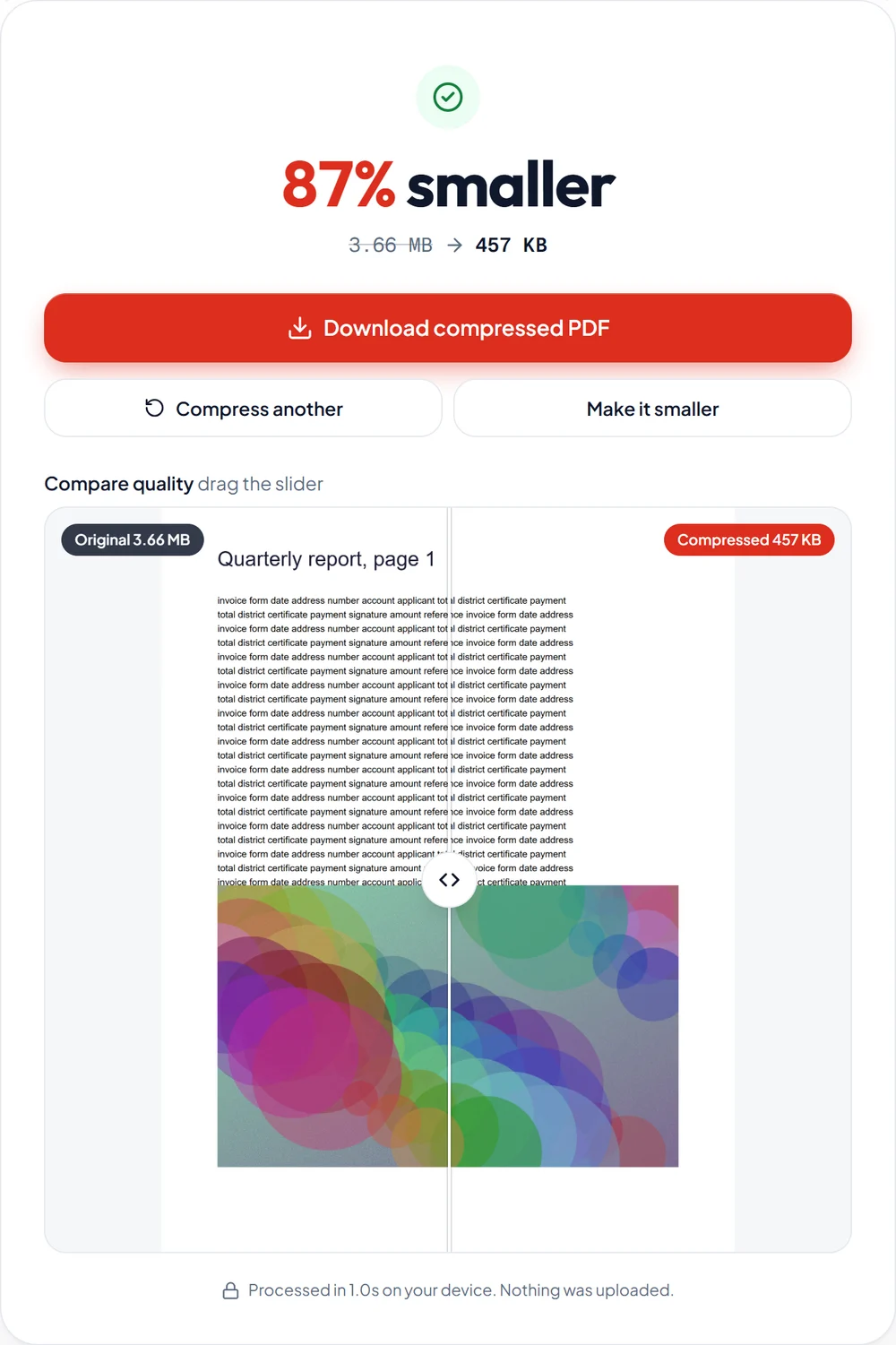
Get your file in seconds and slide between before and after to check the quality yourself.
Real results
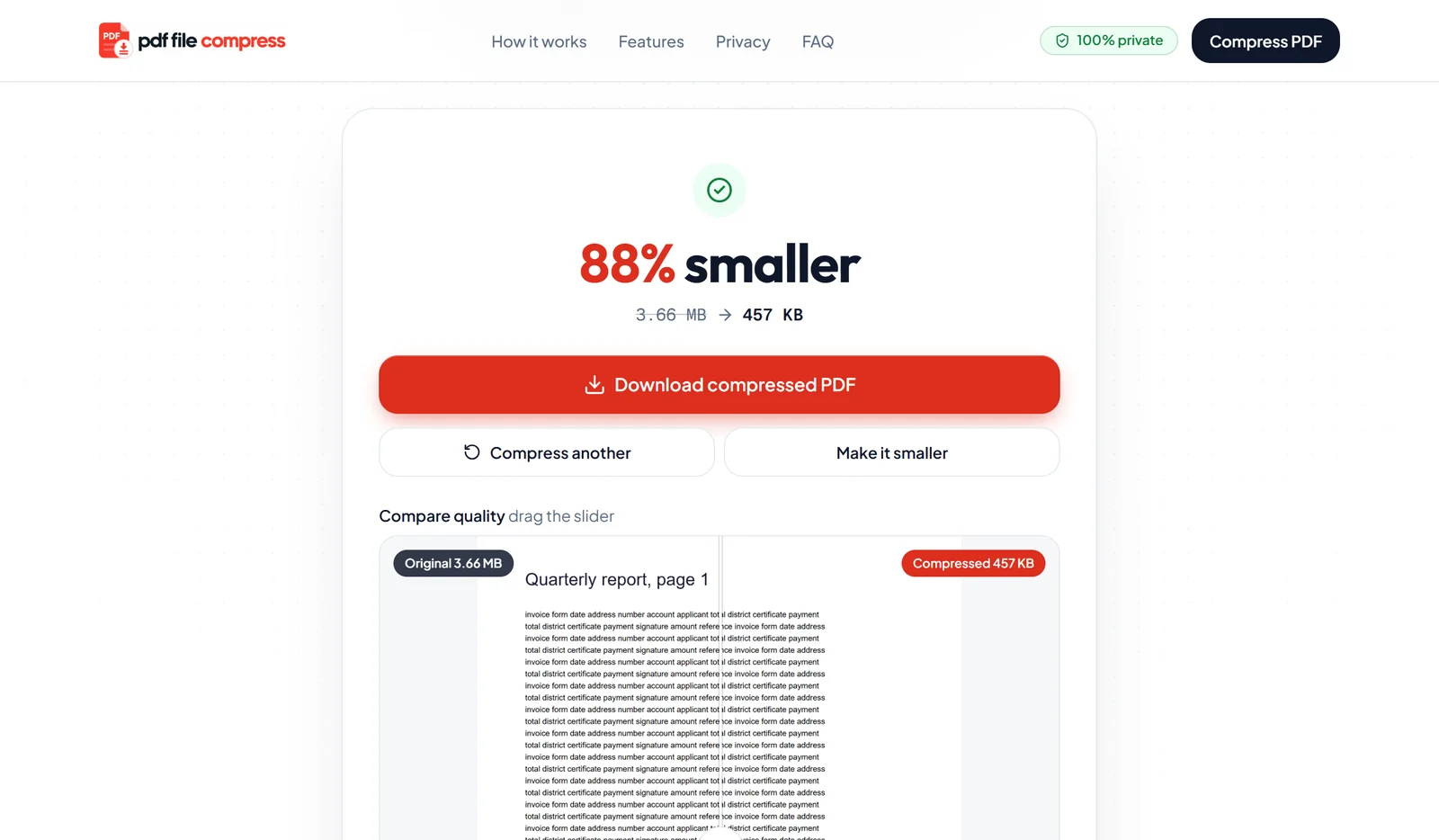
Most tools push one quality slider across the whole file. We measure each image, find the lowest setting your eye cannot tell apart, and leave text and vector graphics untouched.
| File | Before | After | Saved |
|---|---|---|---|
Photo heavy brochure 6 pages · Recommended | 18.4 MB | 1.07 MB | 94% |
Report with charts and photos 10 pages · Recommended | 3.66 MB | 565 KB | 85% |
Scanned application form 4 pages · Extreme, JBIG2 | 4.65 MB | 108 KB | 98% |
Scanned form, 200 KB limit 4 pages · Target size | 3.75 MB | 162 KB | 96% |
Features
Type 100 KB, 200 KB or 2 MB. We split the budget across images, giving more bytes to the ones you will actually look at.
Once the page loads, you can turn off Wi-Fi. Compression runs fully on your device.
Detects scanned pages and stores text as crisp black and white, often 10 times smaller.
Fonts and vector graphics are never turned into blurry pictures.
Drop a whole folder of PDFs and download them all as one ZIP.
Every CPU core works in parallel with WebAssembly, so an 18 MB brochure finishes in about two seconds. You skip the upload, so you skip the wait.
Upload time
0 s
Server queue
None
Cores used
All
Compress PDF online free
Most upload forms ask for a PDF under a fixed limit. Pick your size and the tool opens ready to go. It works for typed documents, phone scans and photo heavy files, and you can compress PDF files online free as often as you like.
Privacy by design
Bank statements, ID cards, contracts, medical reports. The files people compress are often the most private ones. So we built the tool to never see them.
FAQ
Still unsure about something? Every answer here is the honest version.
Free, private and done before an upload would even finish.
Compress a PDF now